

Managing Your Organisation
- Client Admin
Managing Your Organisation
Your organisation groups your team, contracts and tickets. As an administrator you keep its company profile up to date and manage who belongs to it.
What's shared across the organisation
| Item | Visible to |
|---|---|
| Tickets | Every member, whoever raised them |
| Ticket comments | Every member, and every member can comment |
| Organisation knowledge base articles (Org badge) | Every member |
| Contracts | Shown on every member's dashboard under Active Contracts |
| Team list | Every member. Only administrators can change it |
Edit the company profile
- Go to Support Portal › Team.
- In Company Profile, click Edit.
- Update any of these fields:
- Company Name (required) and Industry
- Description
- Contact Information: Email, Phone, Website
- Address: Street, City, State, Postal Code and Country Code (two letters, for example
MY)
- Click Save.
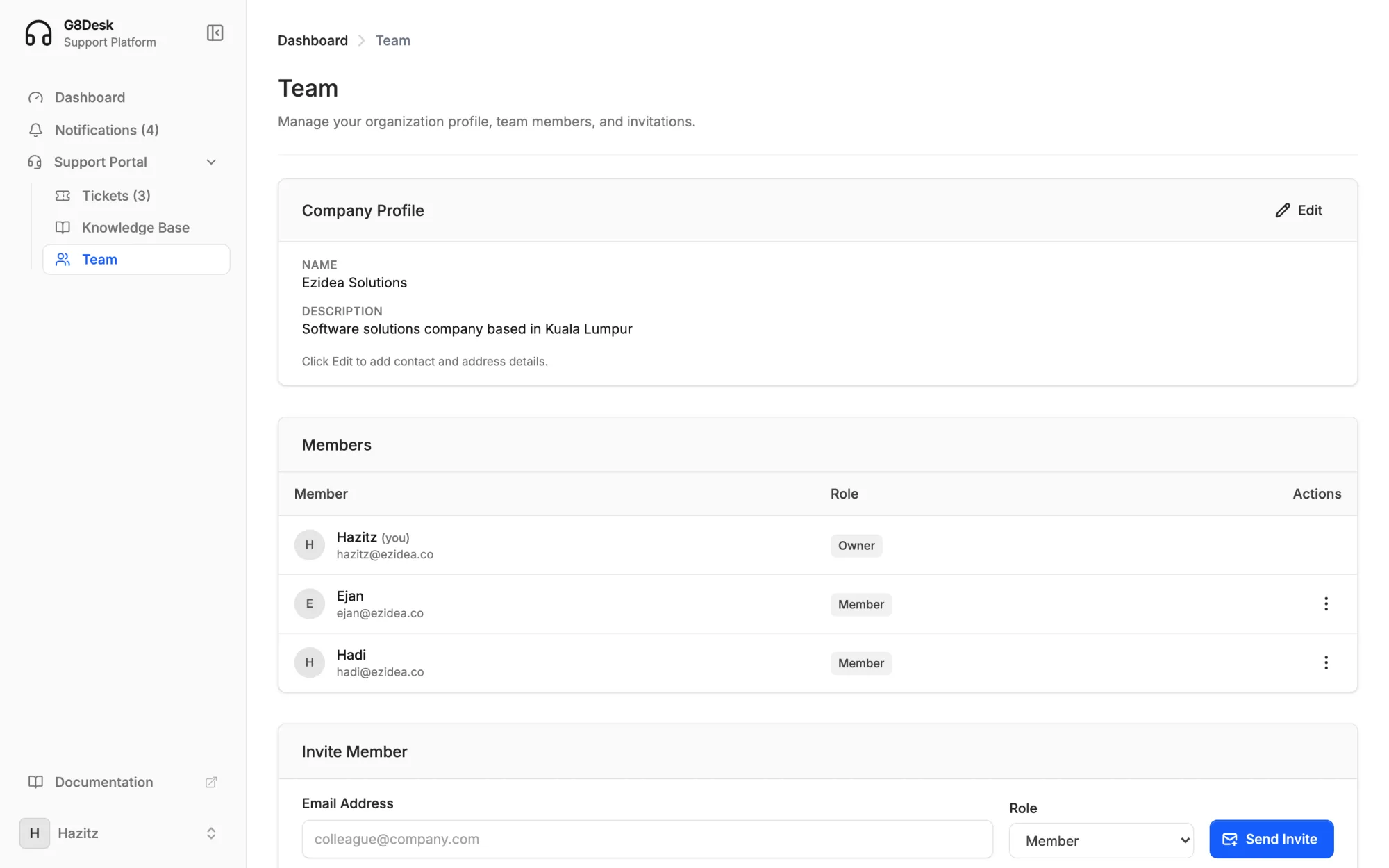
Members can view the profile but not edit it.
Switching organisations
If you belong to more than one organisation, an organisation switcher appears at the top of the sidebar.
- Click the switcher, which shows the current organisation's name.
- Choose another organisation.
You return to the dashboard. Tickets, team, contracts and knowledge base now show the organisation you picked.