

Application Settings
- Ops Admin
Platform-wide settings are under Administration › Settings. Like the rest of the Administration section, they need the settings management permission, which platform administrators hold and a standard Ops Admin does not.
| Page | Covers |
|---|---|
| General | Site name. |
| Notifications | Whether notifications are on, and the default channels. |
| AI | The platform-wide AI ticket assistant. |
| Git Providers | The G8Desk GitHub App — see Git Providers & Connections. |
| Mail › Settings | Outgoing email — see Mail Settings & History. |
On G8Desk Cloud the vendor team also sees Payment Gateways, Tenants and Plans. Those pages are not covered here.
General
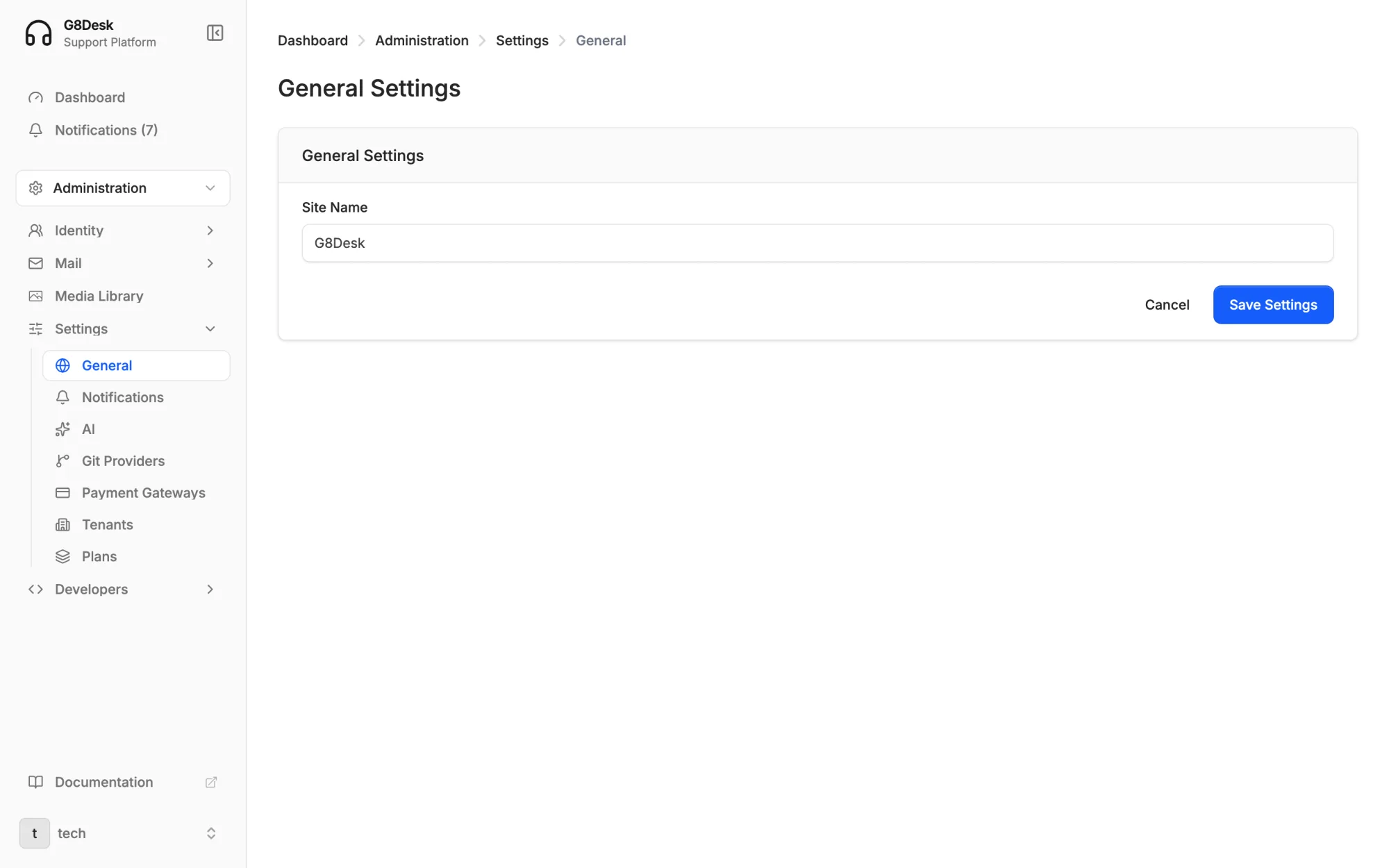
Set the Site Name and click Save Settings.
Notifications
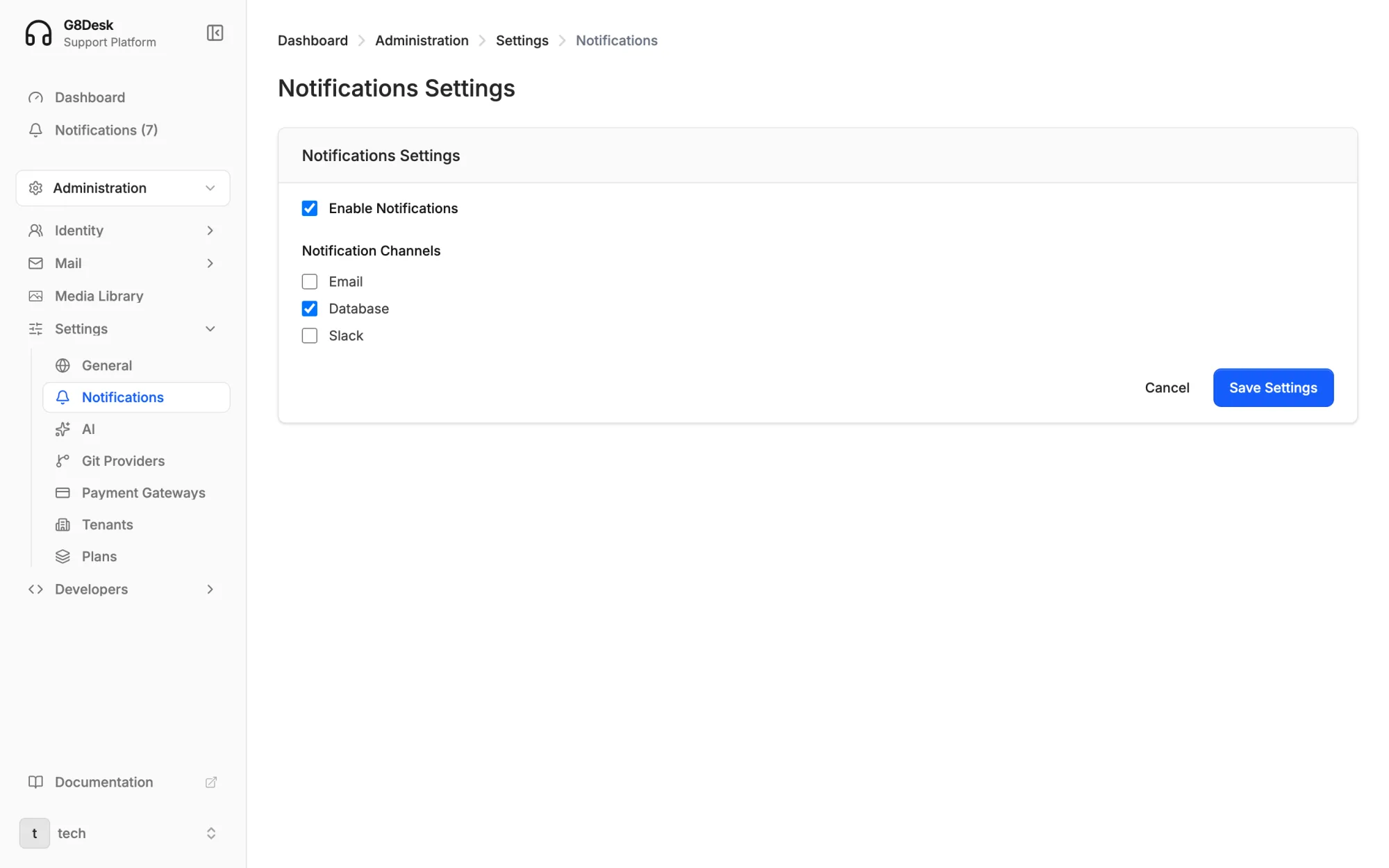
Use Enable Notifications to switch notifications on or off, and tick the default Notification Channels: Email, Database (in-app) and Slack. Click Save Settings.
AI ticket assistant
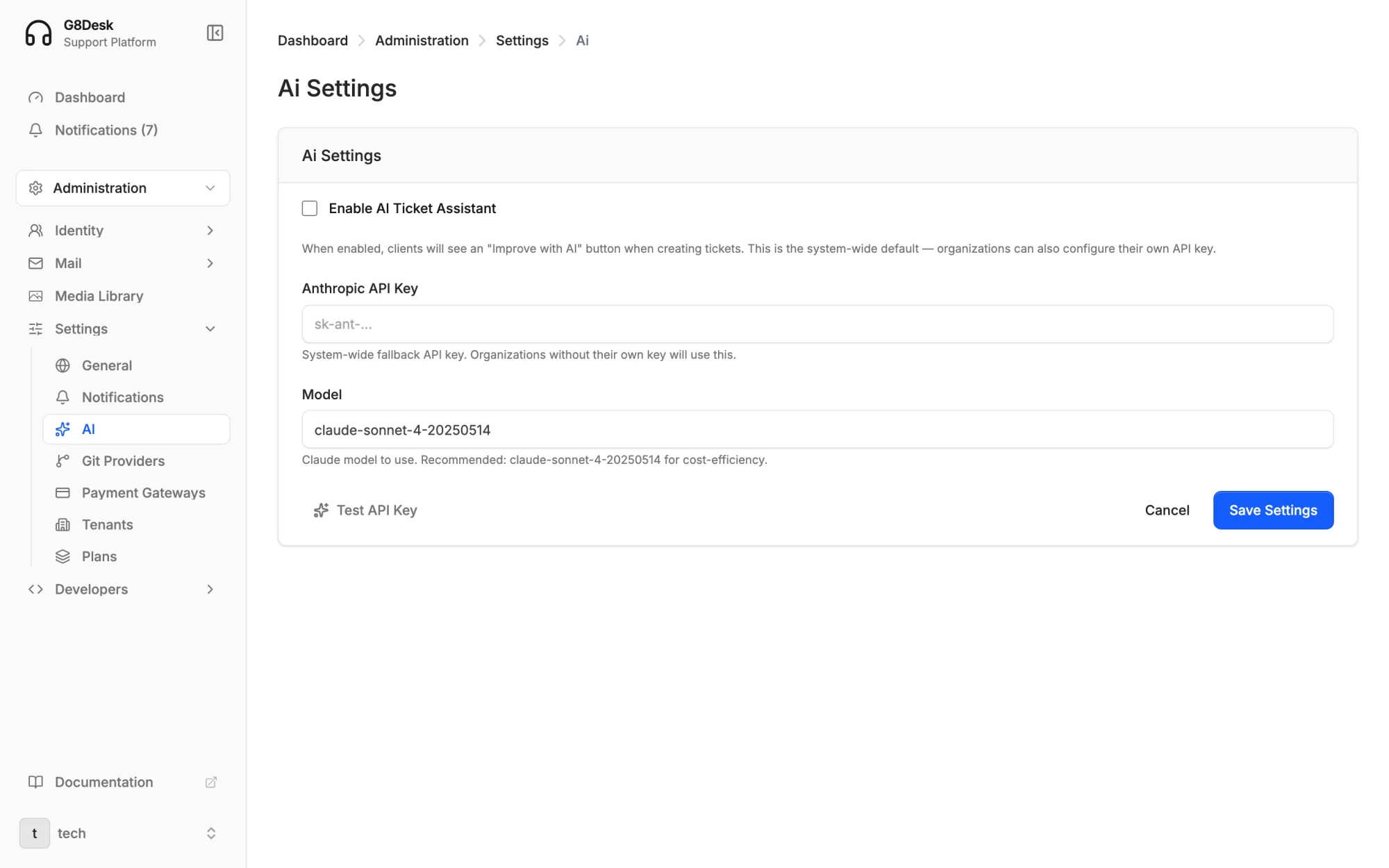
When Enable AI Ticket Assistant is on, clients see an Improve with AI button when they create a ticket.
| Field | What it is |
|---|---|
| Anthropic API Key | The platform-wide fallback key. Organisations without their own key use it. |
| Model | The Claude model to use. |
Click Test API Key to check the key, then Save Settings.
An organisation can use its own key instead — set it on the organisation's Edit page (see Managing Organisations). The organisation's key is used first, then the platform key. With the switch off, AI assistance is unavailable to everyone.