

Creating Tickets
- Support Agent
- Ops Admin
Creating Tickets
Clients usually raise their own tickets, but you can create one for them when they get in touch another way, such as a phone call, WhatsApp or an on-site visit. You can also create internal work items for team-only tasks.
Click Create Ticket on the ticket list.
Filing a ticket on a client's behalf
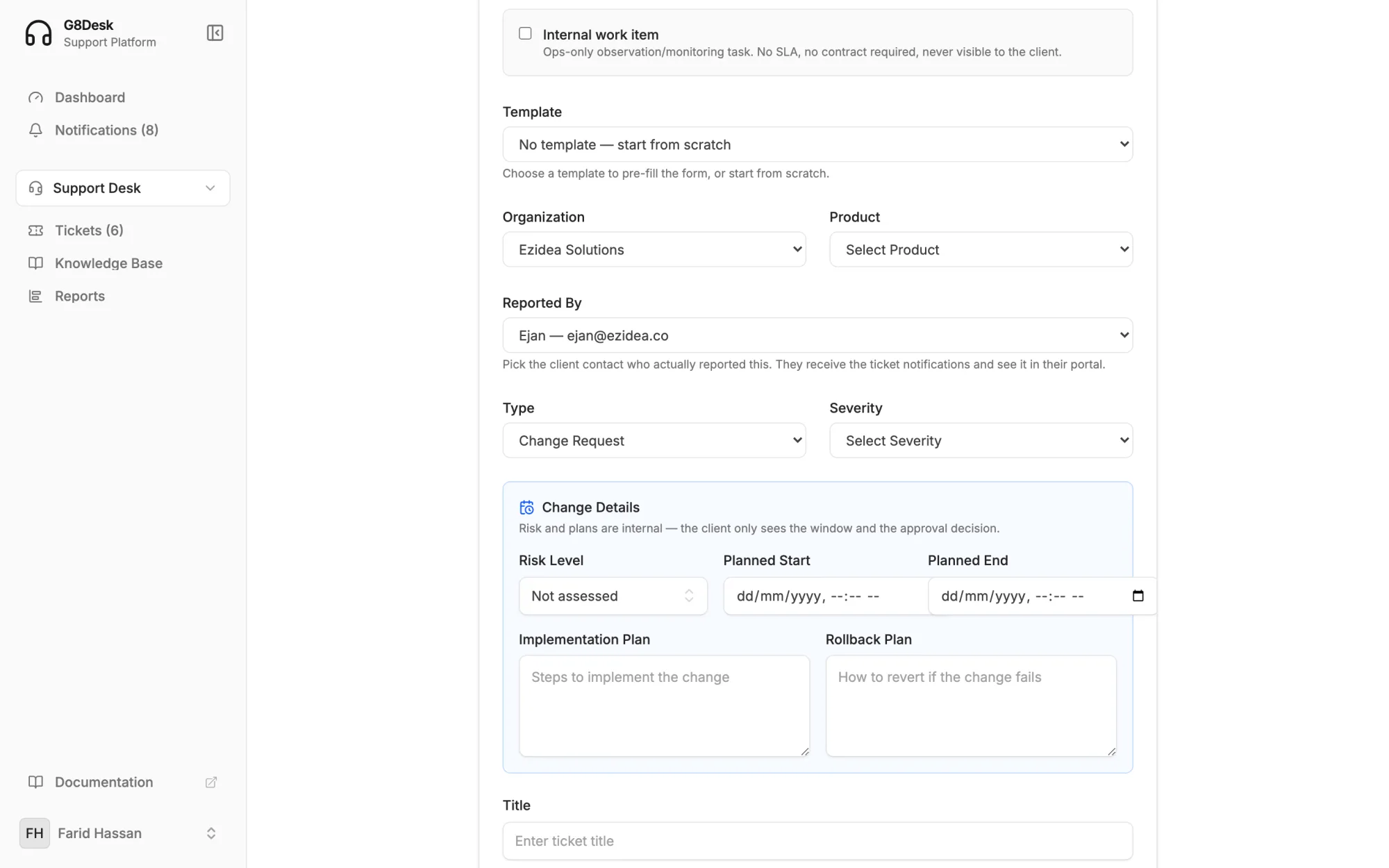
- Leave Internal work item unticked.
- Optional: pick a Template to pre-fill the title, severity and description.
- Choose the Organization. Only client organisations you cover are listed.
- Choose the Product. Only products the organisation has an active contract for are listed.
- Set Reported By to the client contact who reported the issue.
- Choose the Type and Severity.
- Enter a Title and Description, attach files if needed, then click Create Ticket.
G8Desk works out the SLA deadlines from the organisation's contract, posts the automatic acknowledgement, and notifies the reporter and the ops team.
Note: Reported By defaults to Myself. Leave it like that only for internal work. The reporter is the one client contact who receives the ticket's emails, so a ticket "reported" by you notifies nobody at the client. You can correct it later from the ticket sidebar.
Note: If the organisation has no active contract for the product, the product won't be listed and the ticket can't be created. Ask an Ops Admin to check the contract.
Internal work items
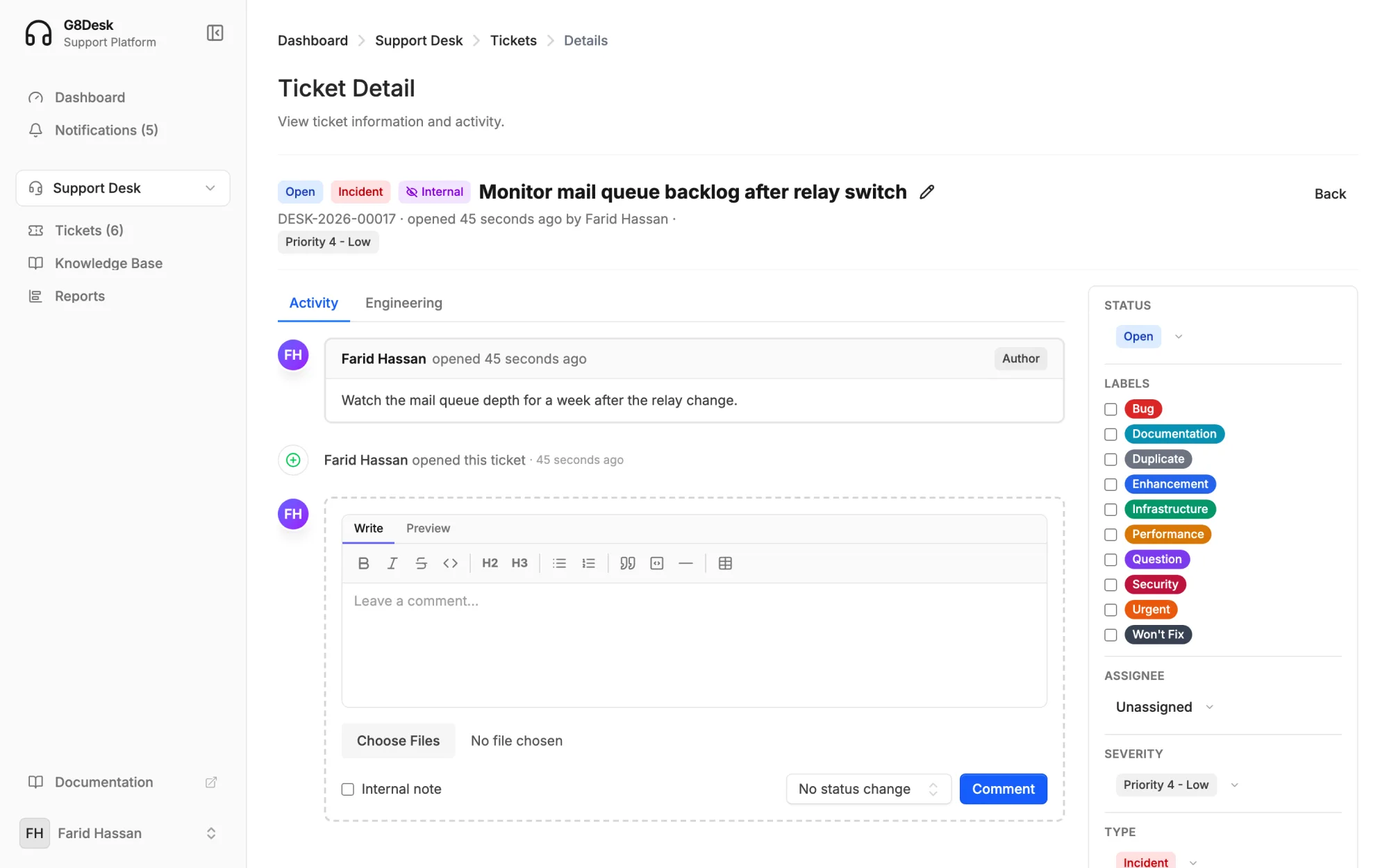
Tick Internal work item for ops-only tasks, such as monitoring after a change or following up on an observation.
| Client-facing ticket | Internal work item | |
|---|---|---|
| Visible to the client | Yes | Never |
| Contract required | Yes | No. Any active product can be chosen |
| SLA deadlines and escalation | Yes | None |
| Counts towards the monthly ticket limit | Yes | No |
| Automatic acknowledgement | Yes | No |
| Reported By | A client contact | You |
Internal work items carry a purple Internal badge in the list, on the board and on the ticket. Use Internal only in the filters to see just these.
Tip: Internal work items can't be declared major incidents and have no client to ask for fix verification. Use a client-facing ticket for anything the client needs to follow.
Raising a change request
Set Type to Change Request and a Change Details panel appears with Risk Level, Planned Start, Planned End, Implementation Plan and Rollback Plan. All of these are optional at this point. See Change Requests.