

Using the Knowledge Base
- Client User
- Client Admin
Using the Knowledge Base
The knowledge base holds articles written by your support provider. Check it before raising a ticket, because many answers are already there.
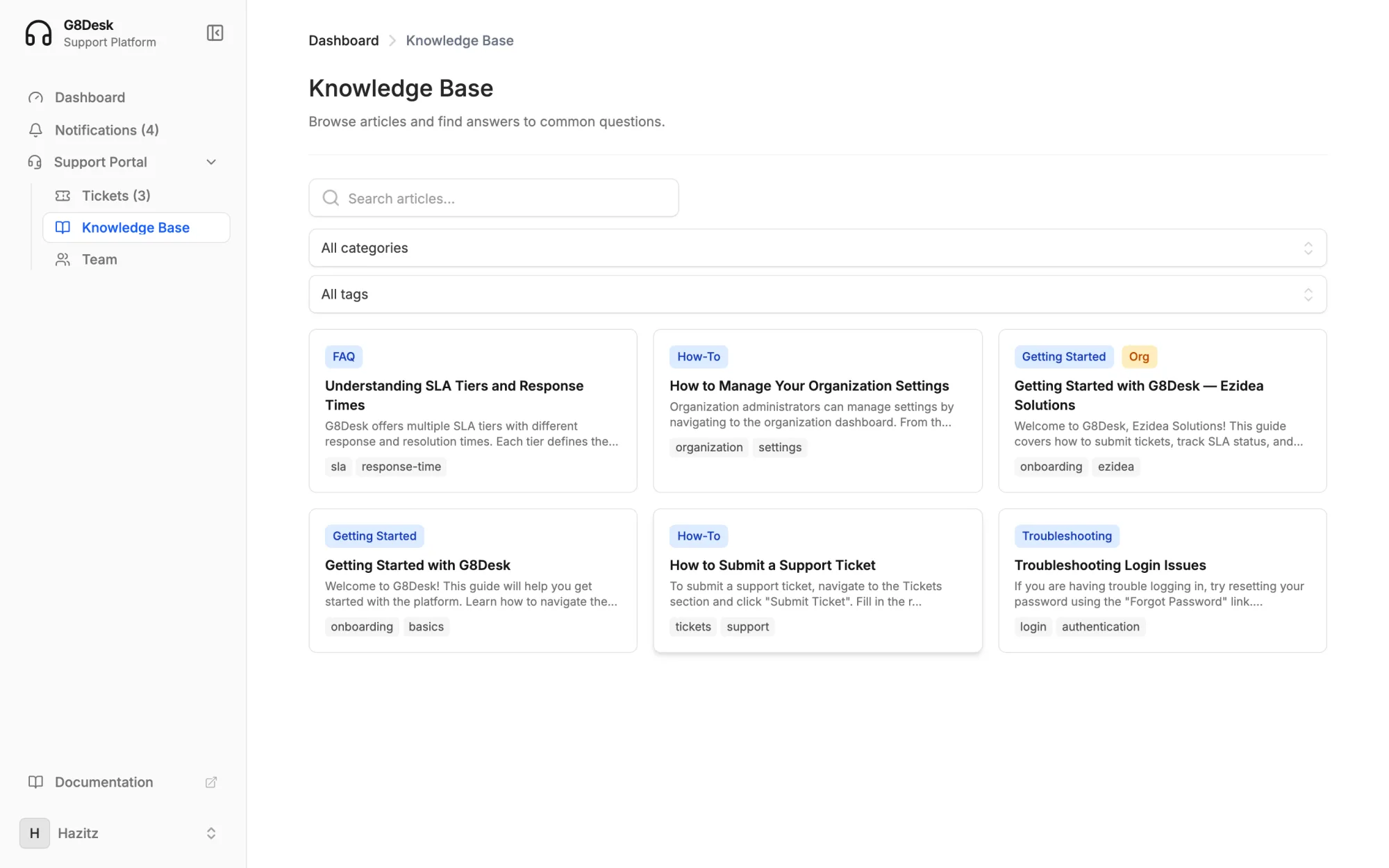
Find an article
- Go to Support Portal › Knowledge Base.
- Type in Search articles... to match article titles.
- Narrow the list with All categories and All tags. Click Clear to reset the filters.
- Click a card to read the article.
Which articles you see
| Article | Badge | Who sees it |
|---|---|---|
| Public | None | Every organisation |
| Organisation-specific | Org | Only your organisation |
Only published articles are listed.
While reading
- Was this article helpful? Click Yes or No to tell the support team.
- Still need help? Create a ticket opens the ticket form.
- Back to Knowledge Base returns to the list.
Tip: When you type a ticket title on the Submit Ticket form, related articles may appear under it.